Visual Search — Find by Photo
Customers upload a photo — AI instantly finds the most similar products in your catalog. A new add-on with its own pricing.
Get notified when Visual Search ships
Drop your email and we'll let you know the moment it's live. No spam — one email at launch.
You're on the list 🎉
You're among the first 100 — your 20% launch discount is reserved.
We'll email you the moment Visual Search ships.
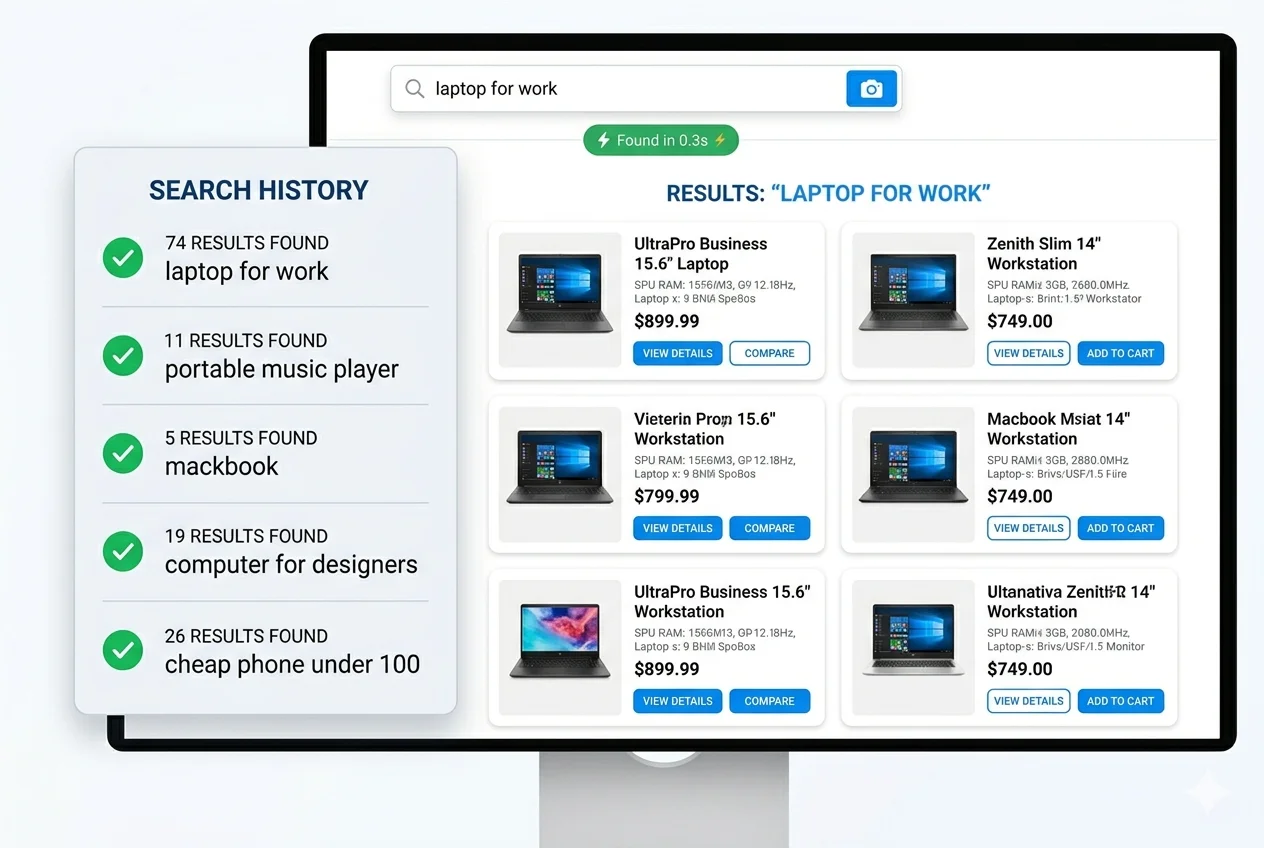
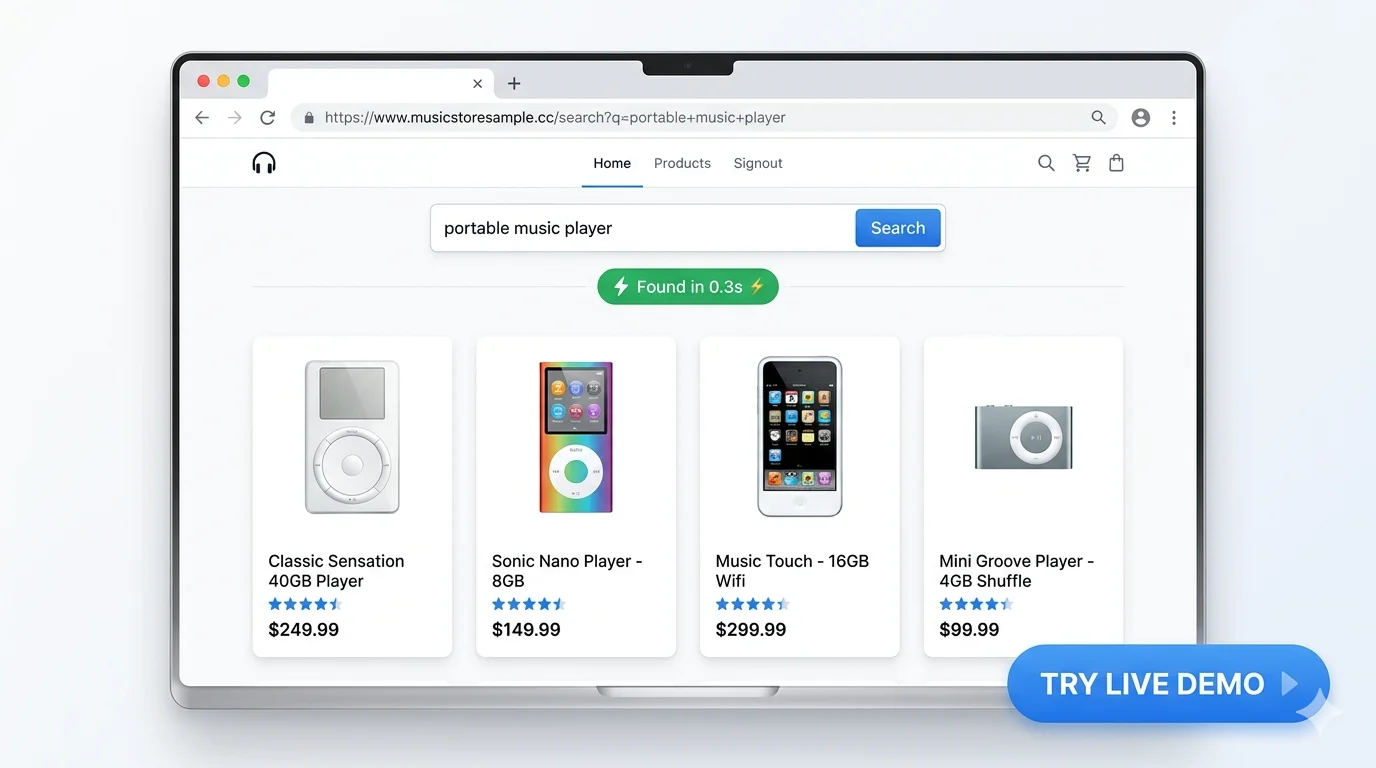
In the meantime, AI Search v1.0.5 (text + faceted filters) is live and free for stores under 200 SKU.
How Visual Search Works
Three steps from photo to product
Customer Uploads Photo
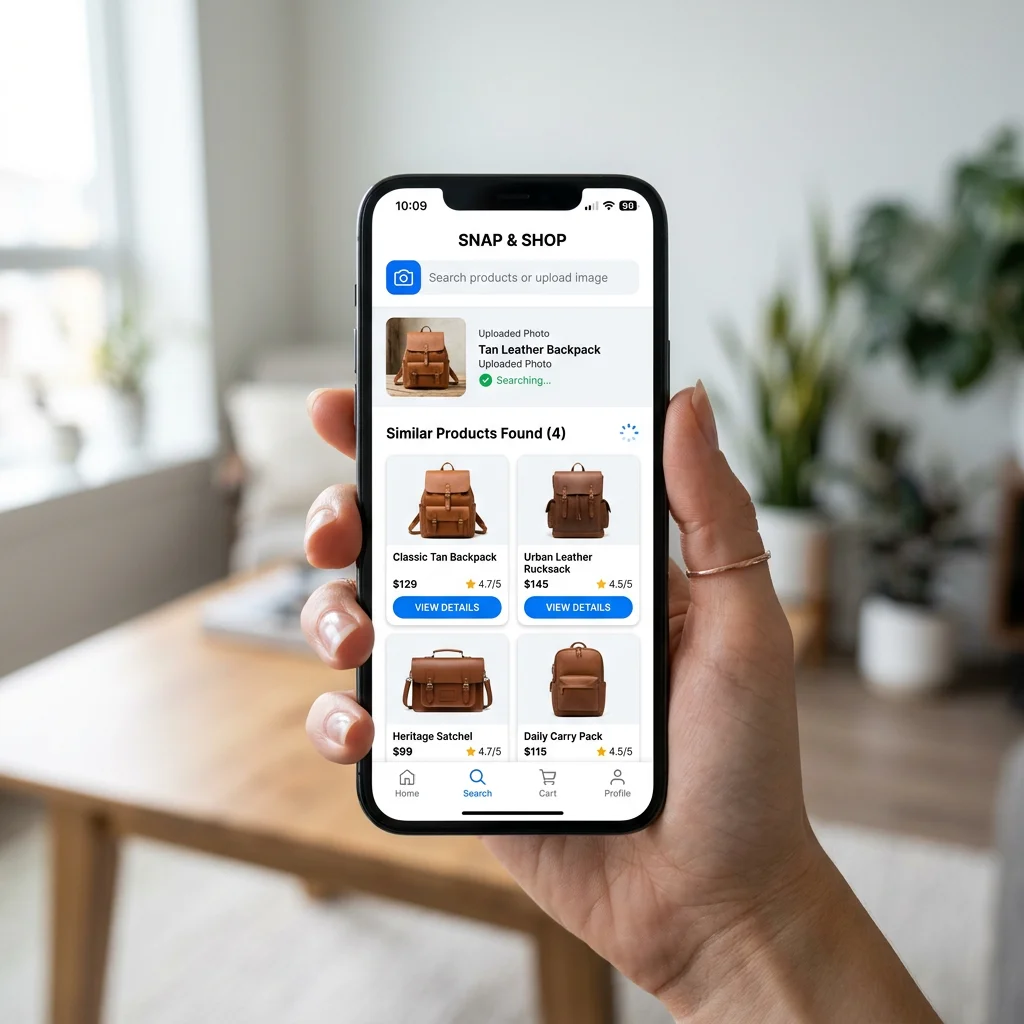
Shopper takes a photo of a product they want — from their camera roll, Instagram, or a screenshot
AI Analyzes the Image
Visual AI extracts features from the photo and compares them against vector embeddings of your entire catalog
Similar Products Appear
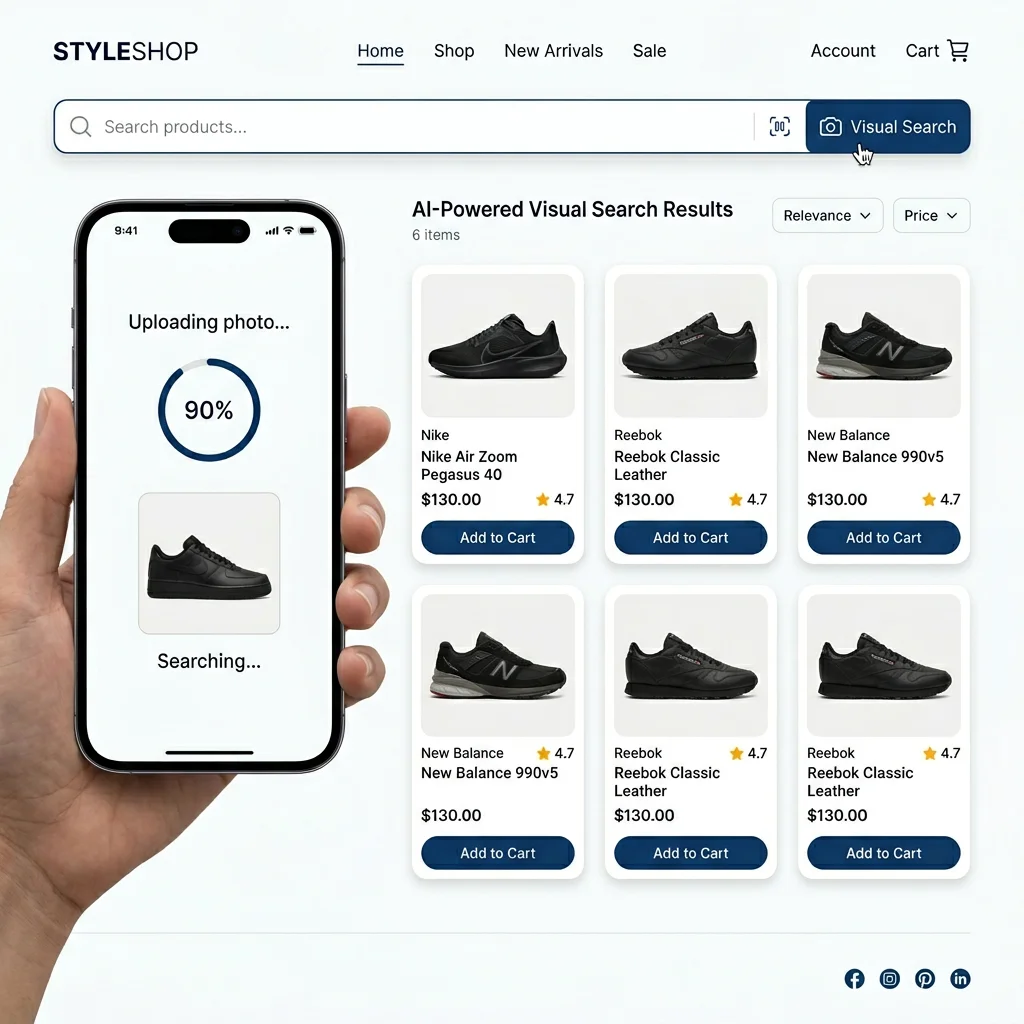
The most visually similar products from your OpenCart store appear instantly — ranked by similarity score
Who Needs Product Search by Image?
Stores where customers know what they want but don't know the name
Fashion & Apparel
Customer sees a dress on Instagram and wants to find it in your store. Photo search finds it instantly.
Furniture & Decor
Saw a lamp at a friend's place. Snap a photo — find exact or similar items in your catalog.
Electronics
Customer has an old device and wants a compatible accessory. Photo search matches by visual similarity.
Shoes & Accessories
Spot a sneaker online but don't know the name. Upload the image and find it or its look-alike.
Plants & Garden
Photo of a plant from the garden center — find the same or similar in your online store.
Art & Crafts
Find products that match a color palette or visual style from a reference image.
Separate Add-on for AI Search
Visual Search will be a standalone add-on with its own pricing — built on top of the AI Search module for OpenCart.
Start with AI Text Search Today
While Visual Search is coming soon — upgrade your OpenCart search with AI semantic understanding right now. Free plan available.